

Key Takeaways
- Modern lithium-ion batteries do not need to be fully drained before recharging.
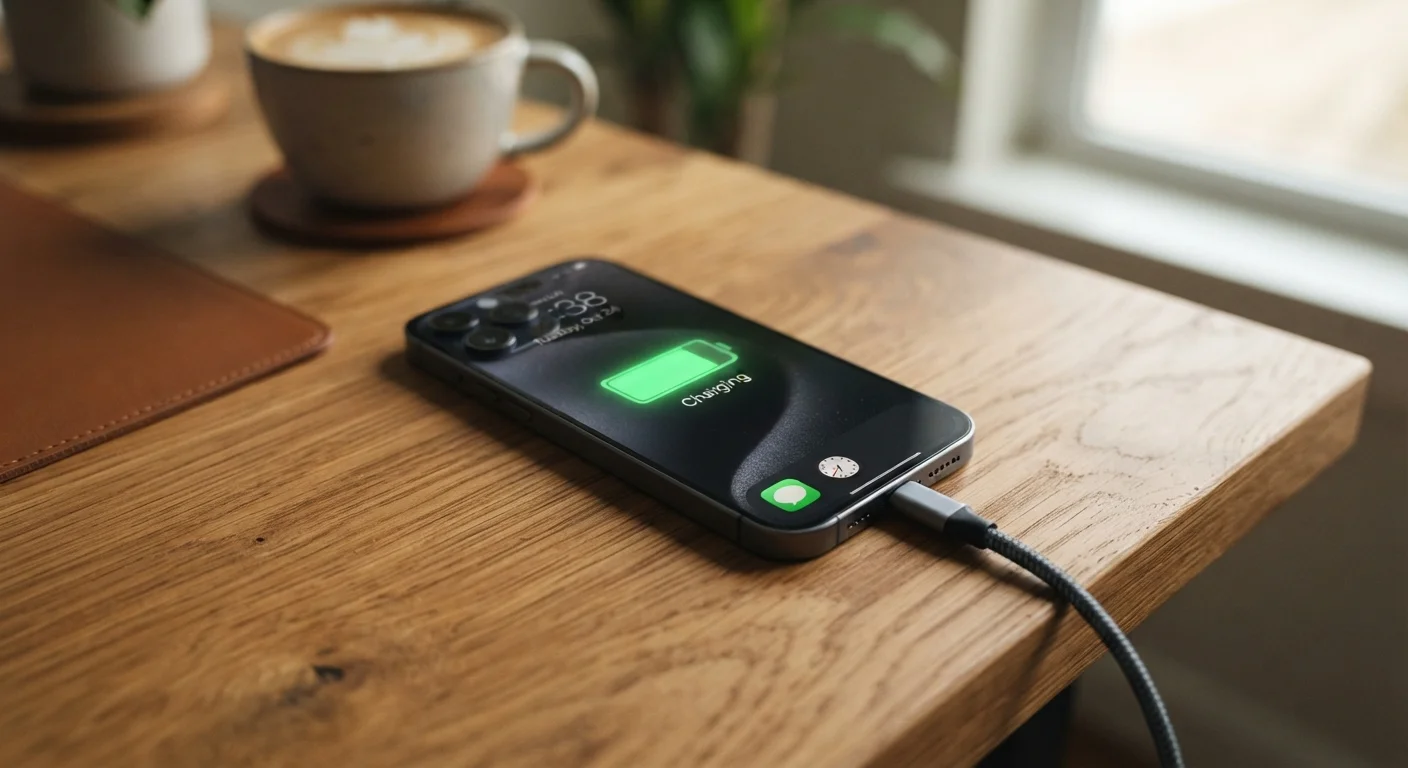
- Leaving a device plugged in overnight is generally safe due to built-in charge management circuits.
- Heat - not charging habits - is the single biggest driver of long-term battery degradation.
- Keeping your battery between roughly 20% and 80% charge tends to preserve capacity over time.
- Third-party chargers are not inherently dangerous, but quality and certification matter.
Why Battery Myths Spread So Easily
Battery advice has circulated online for decades, and much of it was actually accurate - for a different era of technology. The nickel-cadmium (NiCd) and nickel-metal hydride (NiMH) batteries common in older gadgets had real quirks, including a "memory effect" that rewarded full discharge cycles. When lithium-ion chemistry took over as the standard in smartphones, laptops, and tablets, the underlying rules changed dramatically. The old advice didn't.
The result is a persistent layer of folklore that shapes how millions of people charge their devices every day - often in ways that don't help and occasionally in ways that cause mild harm. Understanding how lithium-ion batteries actually work makes it much easier to separate useful habits from outdated ritual. For a broader look at how everyday habits affect your devices, see habits that quietly shorten gadget life.
The Most Persistent Battery Myths - Corrected
The following myth-fact pairs address the misconceptions that come up most often, grounded in how lithium-ion batteries are engineered to behave.
Myth
You should drain your battery to zero before recharging to keep it healthy.
Fact
Fully draining a lithium-ion battery regularly stresses it and can shorten its lifespan.
This advice was valid for older NiCd batteries, which developed a "memory effect" if not fully discharged. Lithium-ion cells have no such memory. Deep discharges - dropping to 0% - actually place the battery under greater chemical stress. Most battery engineers recommend avoiding regular full discharges and plugging in well before the device shuts off.
Myth
Leaving your phone plugged in overnight will overcharge and ruin the battery.
Fact
Modern devices stop drawing charging current once they reach 100%, preventing overcharge damage.
Every mainstream smartphone, tablet, and laptop contains a battery management circuit (sometimes called a BMS) that cuts off charging current when the battery is full. The device then runs directly from the power adapter rather than continuing to push charge into the cells. Overnight charging does not cause overcharging. The more relevant concern is the mild heat generated by holding a battery at 100% for extended periods, which is why some manufacturers offer an "optimized charging" mode that pauses at 80% until shortly before you typically wake up.
Myth
Only using the original charger that came with your device is safe - third-party chargers will damage the battery.
Fact
Certified third-party chargers from reputable manufacturers are generally safe; the key is quality and certification, not brand.
The concern behind this myth is real but often misdirected. Cheap, uncertified chargers - particularly those lacking recognized safety certifications such as UL listing or USB-IF compliance - can deliver inconsistent voltage and represent a legitimate risk. However, a quality third-party charger that meets the relevant safety standards and matches your device's power requirements will not harm your battery. The charger's job is to supply power; the device's own circuitry manages the actual charging process.
Myth
Wireless charging is harder on batteries than wired charging.
Fact
Wireless charging is slightly less efficient and generates a bit more heat, but is not meaningfully more damaging under normal use.
Wireless (inductive) charging does generate marginally more heat than a direct wired connection, and sustained heat is a genuine degradation factor. In practice, the temperature difference during normal wireless charging sessions is small enough that it is unlikely to have a significant real-world impact on battery lifespan for most users. Placing a phone in a very hot environment while wirelessly charging - such as on a car dashboard mount in summer - is a separate concern worth avoiding, but that applies to wired charging in the same conditions too.
Myth
Closing background apps constantly saves battery life.
Fact
Aggressively force-closing apps can actually use more battery by forcing the system to reload them from scratch.
Mobile operating systems are designed to manage background processes efficiently. Apps that are suspended in the background consume minimal resources. When you force-close an app and then reopen it shortly after, the system must load it fresh into memory - a process that can consume more CPU and battery than simply letting it resume from its suspended state. This myth persists partly because closing apps feels productive, but modern OS memory management generally handles this better than manual intervention does.
What Actually Matters for Battery Health
Once the myths are cleared away, a shorter, more practical picture emerges. The variables that genuinely affect how long your battery holds a useful charge are heat, charge depth, and cycle count - in roughly that order of importance.
300-500
Typical full charge cycles before notable capacity loss
Most lithium-ion battery manufacturers rate cells in this range before capacity drops to around 80% of original, though real-world results vary by usage and temperature.
~80%
Capacity threshold many manufacturers use for battery health benchmarks
Apple, for example, considers a battery "worn" when it holds less than 80% of its original capacity, a figure also used by many independent battery researchers.
Heat is the most damaging factor by a significant margin. Leaving a phone on a sun-exposed car dashboard, running processor-intensive tasks while charging, or using a poorly ventilated case can all elevate temperatures enough to accelerate chemical degradation inside the battery cells.
Charge depth - how high and how low you regularly let the battery go - has a measurable effect over hundreds of cycles. Lithium-ion cells experience less stress when kept in a mid-range charge window rather than swinging repeatedly between near-empty and completely full. Many modern devices include optional settings to cap charging at 80% for exactly this reason.
Cycle count matters, but it is often overstated as a concern. Most smartphone batteries are rated for 300-500 full charge cycles before noticeable capacity loss, and a "cycle" is the cumulative equivalent of one full discharge - not one plug-in session. Frequent top-ups from 60% to 80% consume far less than a full cycle. For more on how these factors interact, understand the real causes of battery degradation.
Maintaining good charging habits is one part of a larger picture. Keeping your gadgets performing well over time covers additional routines - storage, software, and more - that collectively extend device lifespan.