

Key Takeaways
- Most modern touchscreens use capacitive technology, which detects changes in electrical charge.
- Your finger works because skin conducts electricity; most gloves block that signal.
- Multi-touch works by reading multiple charge disturbances at the same time.
- Resistive touchscreens - used in some older devices - respond to physical pressure instead.
- Styluses designed for capacitive screens mimic the electrical properties of a fingertip.
Capacitive Touch Technology
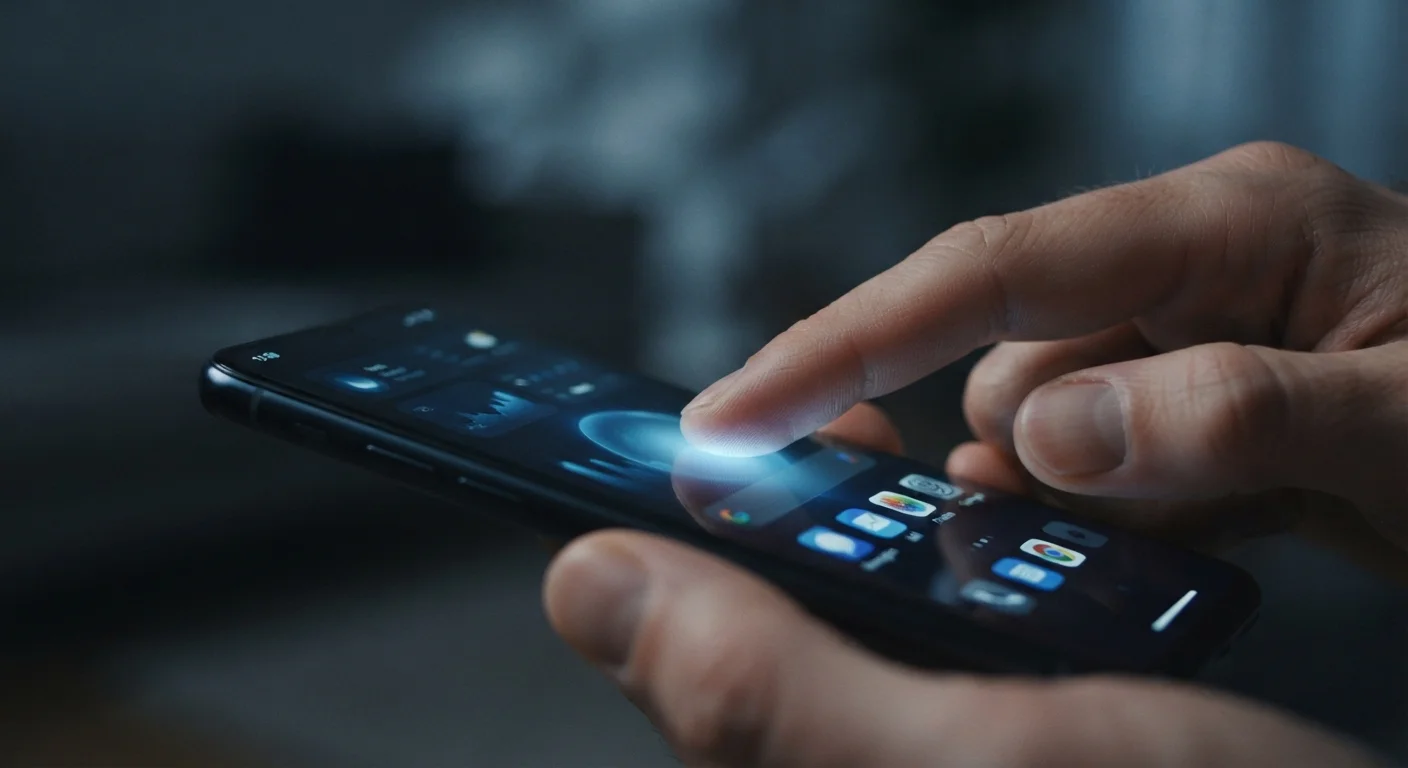
Capacitive touch technology is the system most modern smartphones and tablets use to detect where your finger is on the screen. It works by sensing tiny changes in electrical charge caused by your fingertip, rather than responding to physical pressure. This is why your screen reacts to a light brush but won't respond to a regular plastic stylus or gloved finger.
The screen's surface is coated with a transparent conductor - typically indium tin oxide - that maintains a uniform electrostatic field. Your finger, being a conductor, disturbs that field at the point of contact, which the controller chip measures to calculate coordinates.
The Basic Idea: Electricity, Not Pressure
When you tap a modern smartphone, the screen isn't reacting to how hard you press - it's reacting to you. Specifically, it detects the small electrical disturbance your finger creates when it comes near or touches the glass surface.
The screen is coated with a thin, transparent layer of conductive material. This layer maintains a stable electrical field across the entire display. The moment a fingertip - which is a reasonably good electrical conductor - enters that field, it draws a tiny amount of charge toward itself. Sensors around the edges of the screen detect exactly where that disturbance occurred and relay the coordinates to the phone's processor in milliseconds.
This is fundamentally different from older resistive touchscreens, which required two conductive layers that physically pressed together when you applied force. Resistive screens responded to any object - a stylus, fingernail, or gloved finger - but they were less accurate and couldn't handle multiple simultaneous touches.
Not All Screens Use the Same Technology
While capacitive touchscreens dominate modern smartphones and tablets, resistive and infrared touch technologies are still used in specific contexts - such as point-of-sale terminals, industrial equipment, and some drawing tablets. If you're troubleshooting a device that responds to any object (including a fingernail), it likely uses a different technology than your phone.
How Multi-Touch Works
The ability to pinch, zoom, and rotate on a screen depends on a technology called projected capacitive touch (often abbreviated as PCAP). Instead of just a single conductive layer, this approach uses a precise grid of horizontal and vertical electrodes embedded beneath the glass.
The device's controller chip scans this grid continuously - often hundreds of times per second. When multiple fingers touch the screen simultaneously, the chip detects charge disruptions at several grid intersections at once and tracks each contact point independently. The software then interprets the pattern of points - two fingers moving apart means zoom in; two fingers rotating means rotate the image.
This scanning happens fast enough that the screen feels instant and fluid, even with complex gestures.
120Hz
Common screen refresh rate on modern flagship phones
Many current smartphones scan for touch input at rates matching or exceeding their display refresh rate, contributing to the perception of instant response.
10
Maximum simultaneous touch points on many devices
The iOS and Android platforms commonly support up to 10 independent touch points at once, though most gestures use only two or three.
Why Some Things Don't Work - and Some Workarounds
Understanding the underlying principle makes it easy to see why certain things fail on a touchscreen:
- Regular gloves: Fabric insulates your finger from the screen's electrical field. No signal reaches the electrodes.
- Plastic styluses: Plastic doesn't conduct electricity, so the screen doesn't register it.
- Fingernails: Keratin (the material in nails) is a poor conductor, which is why tapping with a nail often produces no response.
The workarounds each address the same root problem - restoring conductivity:
- Touchscreen gloves weave conductive metallic fibers into the fingertip area.
- Capacitive styluses use a soft conductive rubber or mesh tip designed to replicate a fingertip's electrical behavior.
- Screen sensitivity settings on some devices allow the software to detect weaker signals, improving glove responsiveness.
Make Gloves Work With Your Screen
If you frequently use your phone in cold weather, look for gloves labeled 'touchscreen compatible' or 'conductive fingertips.' Alternatively, check your device's accessibility or display settings - some phones offer a 'touch sensitivity' or 'glove mode' option that amplifies the signal detection threshold.
What This Means for Everyday Use
Knowing how capacitive technology works helps decode a few common frustrations. A screen that suddenly stops responding to your touch might have a cracked conductive layer - not just broken glass. A screen that behaves erratically in the rain is reacting to water's conductivity. And a device that won't respond to a stylus simply needs one built for the job.
Manufacturers continue to refine touch detection. Algorithms now filter out unintended palm contact while writing, distinguish between a hovering finger and an actual touch, and adjust sensitivity based on environmental conditions. The hardware principle has remained largely the same for over a decade, but the software intelligence around it keeps improving - making screens feel smarter even when the underlying physics hasn't changed.