

Key Takeaways
- Smart home devices connect to your Wi-Fi and are controlled via apps or voice commands.
- Starting with one or two devices helps you learn without feeling overwhelmed.
- Choosing a single ecosystem (like Google or Amazon) avoids most compatibility headaches.
- A reliable home Wi-Fi network is essential before adding smart devices.
- Security settings like strong passwords and two-factor authentication matter from day one.
Start here
What Are Smart Home Devices?
Next
Where to Start: The Best First Devices
Then
Understanding Ecosystems and Compatibility
When you're ready
Setting Up Your Devices the Right Way
Before you buy more
Common Pitfalls and How to Avoid Them
What Are Smart Home Devices?
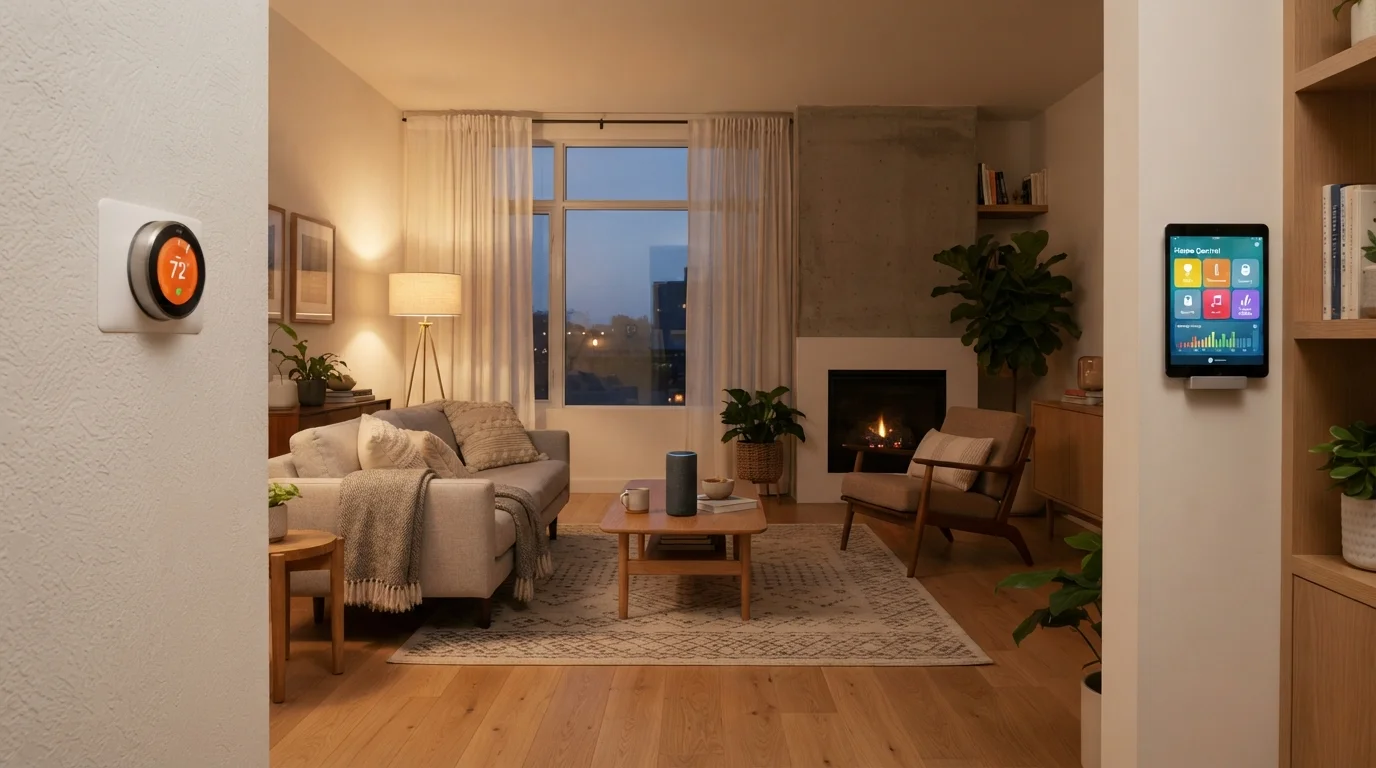
Smart home devices are everyday household items - lights, thermostats, doorbells, locks, speakers - that connect to your home Wi-Fi network and can be controlled remotely through a smartphone app or voice commands. Unlike conventional appliances, they can respond to schedules, sensor triggers, or instructions from other devices.
At their core, these gadgets communicate over your home network and often sync with a cloud service run by the manufacturer. That connection is what lets you turn off a light from across the country or have your thermostat adjust before you get home from work.
Smart home device
A household appliance or gadget that connects to the internet via Wi-Fi and can be controlled remotely through an app or voice command.
Ecosystem
A platform (such as Amazon Alexa or Google Home) that acts as a central hub, allowing compatible smart devices to communicate and work together.
Firmware
The built-in software that runs on a device. Keeping firmware updated ensures your device has the latest features and security fixes.
Automation
A rule or routine that tells your smart devices to perform an action automatically - for example, turning off lights at a set time each night.
Two-factor authentication
A login security method that requires both your password and a second verification step (such as a code sent to your phone) before granting access.
Mesh network
A home Wi-Fi system that uses multiple access points spread around your home to eliminate dead zones and provide consistent coverage throughout.
For a broader foundation on how consumer gadgets work, the Gadget Basics hub is a useful starting point alongside this guide.
Where to Start: The Best First Devices
Resist the urge to automate everything at once. Beginning with one or two low-stakes devices lets you learn the setup process, get comfortable with the companion app, and figure out what actually improves your day-to-day routine before spending more.
- Smart plugs - Plug any lamp or appliance into one of these, and you can control it remotely or on a schedule. No wiring required.
- Smart bulbs - Screw into existing light sockets and connect to your Wi-Fi. Adjustable brightness and color temperature are common features.
- Smart speakers - Devices like compact smart speakers double as voice-command hubs, making it easier to control other devices hands-free.
- Smart thermostats - A slightly larger investment, but one of the most practical upgrades for managing comfort and energy use over time.
Starting simple also gives you a realistic sense of whether the convenience factor matches your expectations before you expand your setup.
Try Before You Expand
Live with your first smart device for a week or two before buying more. This gives you time to notice whether it genuinely adds convenience or just adds complexity to your routine. Smart home setups grow quickly - and so does the cost of replacing devices that don't fit your lifestyle.
Understanding Ecosystems and Compatibility
One of the most confusing parts of smart home tech for newcomers is compatibility. Not all devices work with each other automatically. Most fall into one of several major ecosystems - platforms like Amazon Alexa, Google Home, or Apple HomeKit - that act as a central hub for controlling and automating your devices.
Devices designed for one ecosystem may not work with another, which can create frustration if you mix and match without planning. The practical advice: pick one ecosystem early, ideally one tied to devices you already own (such as a smartphone or a smart speaker), and stick with it as you add more gadgets.
For a deeper look at why ecosystems exist and how to plan around them, see our article on smart home ecosystems and compatibility.
Matter: A Newer Compatibility Standard
Matter is a relatively recent industry standard designed to improve cross-ecosystem compatibility, meaning a device certified for Matter may work with multiple platforms. Adoption is growing but not yet universal. When comparing devices, look for Matter certification on the packaging if broad compatibility is a priority for you.
Setting Up Your Devices the Right Way
Before unboxing your first smart device, make sure your home Wi-Fi is solid. A weak or inconsistent signal is the single most common reason smart devices behave unreliably. Place your router centrally, or consider a mesh network if your home is large.
When you're ready to set up, follow these steps:
- Download the manufacturer's app before powering on the device.
- Create an account using a strong, unique password - not one you use elsewhere.
- Enable two-factor authentication if the app offers it.
- Follow the in-app setup wizard, which will connect the device to your Wi-Fi network.
- Check for firmware updates immediately after setup - manufacturers frequently patch security issues in early firmware versions.
For general advice that applies across phones, tablets, and smart speakers alike, our guide on setting up a new device without the headaches walks through the process from unboxing to first sign-in.
Common Pitfalls and How to Avoid Them
Even with straightforward setup, a few recurring mistakes trip up new smart home users:
- Skipping security basics - Default passwords and skipped updates are the most exploitable weaknesses in any smart home setup. Change passwords and update firmware immediately.
- Buying incompatible devices - Always verify ecosystem compatibility before purchasing. Check the product packaging or manufacturer's website for supported platforms.
- Overcomplicating automation - Complex automations that chain many devices together are harder to troubleshoot when something goes wrong. Build simple routines first.
- Ignoring network quality - Adding many smart devices to an already-strained Wi-Fi network causes dropouts and lag. Consider upgrading your router if you plan to scale up.
Smart home technology works best when it quietly fits into your routine rather than demanding constant attention. Starting deliberately - with the right devices, a single ecosystem, and solid security habits - puts you in a much stronger position than diving in without a plan.
Don't Skip Security on Day One
Many smart home device compromises happen because users never changed the default password set by the manufacturer. Treat your smart home devices the same way you'd treat a bank account - use a unique, strong password for every device account, and enable two-factor authentication wherever available.