

Key Takeaways
- Charge your device fully and gather Wi-Fi credentials before starting setup.
- Creating or signing into an account early unlocks backups, security, and app access.
- Enabling automatic updates right away protects your device from known vulnerabilities.
- Transferring data from an old device is easiest when done during initial setup, not after.
- A few minutes spent on privacy and security settings upfront saves headaches later.
What you will need
Why Setup Order Matters More Than You'd Think
Unboxing a new gadget is exciting - but powering it on without any preparation is one of the most reliable ways to end up frustrated halfway through. Modern devices are designed to walk you through a guided setup sequence, and that sequence has a logic to it. Skipping steps or rushing through prompts can mean missing security features, ending up with the wrong account linked, or finding out too late that your old data didn't transfer.
This guide applies broadly to smartphones, tablets, and smart speakers - the most commonly set up consumer devices. If you're new to consumer electronics in general, the introduction to modern gadgets covers how these devices connect and store data before you dive into setup. For smart speakers specifically, there's a dedicated smart speaker setup walkthrough worth reviewing alongside this guide.
Back Up Your Old Device First
If you're replacing an existing phone or tablet, back it up before you begin setting up the new one. Most platforms offer a built-in cloud backup option - use it. Skipping this step risks losing contacts, photos, and app data that can be difficult or impossible to recover after the fact.
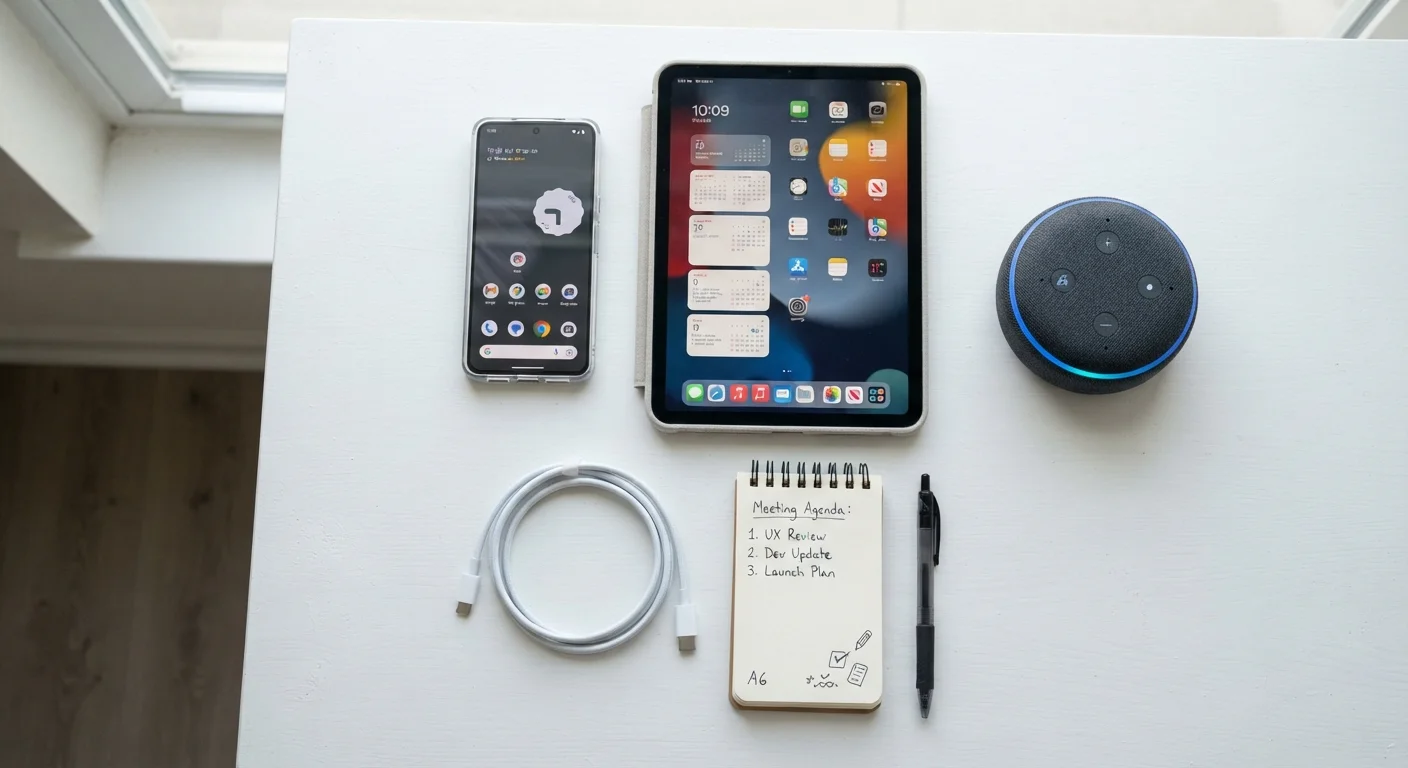
Having everything ready before you start - your Wi-Fi password, your account credentials, and your old device backed up - dramatically reduces the chance of getting stuck. See the prerequisites and tools listed above before powering on.
What you will need
After Setup: A Few Things Worth Doing Right Away
Once you've worked through the steps above, your device is functional - but a few finishing touches will make it more useful and secure from day one.
Write Down Your Account Credentials
Before setup, jot down the email address and password you plan to use for your device account. It sounds simple, but account lockouts during setup are one of the most common frustrations new device owners face. A password manager can also help keep credentials organized going forward.
Review app permissions. During setup and when installing apps, you'll be asked to grant permissions - access to your location, microphone, contacts, or camera. It's worth reviewing these in your settings after setup and revoking any that feel unnecessarily broad. Most devices have a privacy or permissions dashboard that shows this clearly.
Explore accessibility options. Text size, display contrast, and voice assistants can all be adjusted to suit how you prefer to interact with your device. These settings are typically found under Accessibility in your device's main settings menu.
Plan for your next upgrade. Now that your new device is set up, it's worth understanding what a future upgrade will involve. Our guide on what to sort out before upgrading your phone is a practical checklist for when that time comes. If this is your first smartphone, a no-jargon starting point for first-time smartphone owners covers everyday use in plain language. And if you're moving into smart home devices next, getting started with smart home devices walks through the essentials. More guides for everyday phone and mobile use are also available to help you get the most from your device.
Avoid Public Wi-Fi During Setup
Setting up a device - especially signing into accounts and creating passwords - over a public or shared Wi-Fi network exposes your credentials to potential interception. Use your home network or a trusted private connection whenever possible during initial setup.