

| Bluetooth typical range | Up to ~30 feet (10 m) for most consumer devices (Bluetooth SIG general specification guidance) |
| Wi-Fi frequency bands | 2.4 GHz, 5 GHz, and 6 GHz (device-dependent) (Wi-Fi Alliance) |
| NFC maximum operating range | Approximately 4 cm (about 1.5 inches) (NFC Forum specification) |
| Primary Bluetooth use cases | Headphones, speakers, wearables, keyboards, mice |
| Primary NFC use cases | Contactless payments, transit passes, quick pairing |
| Primary Wi-Fi use cases | Internet access, video streaming, large file transfers |
What These Three Technologies Actually Do
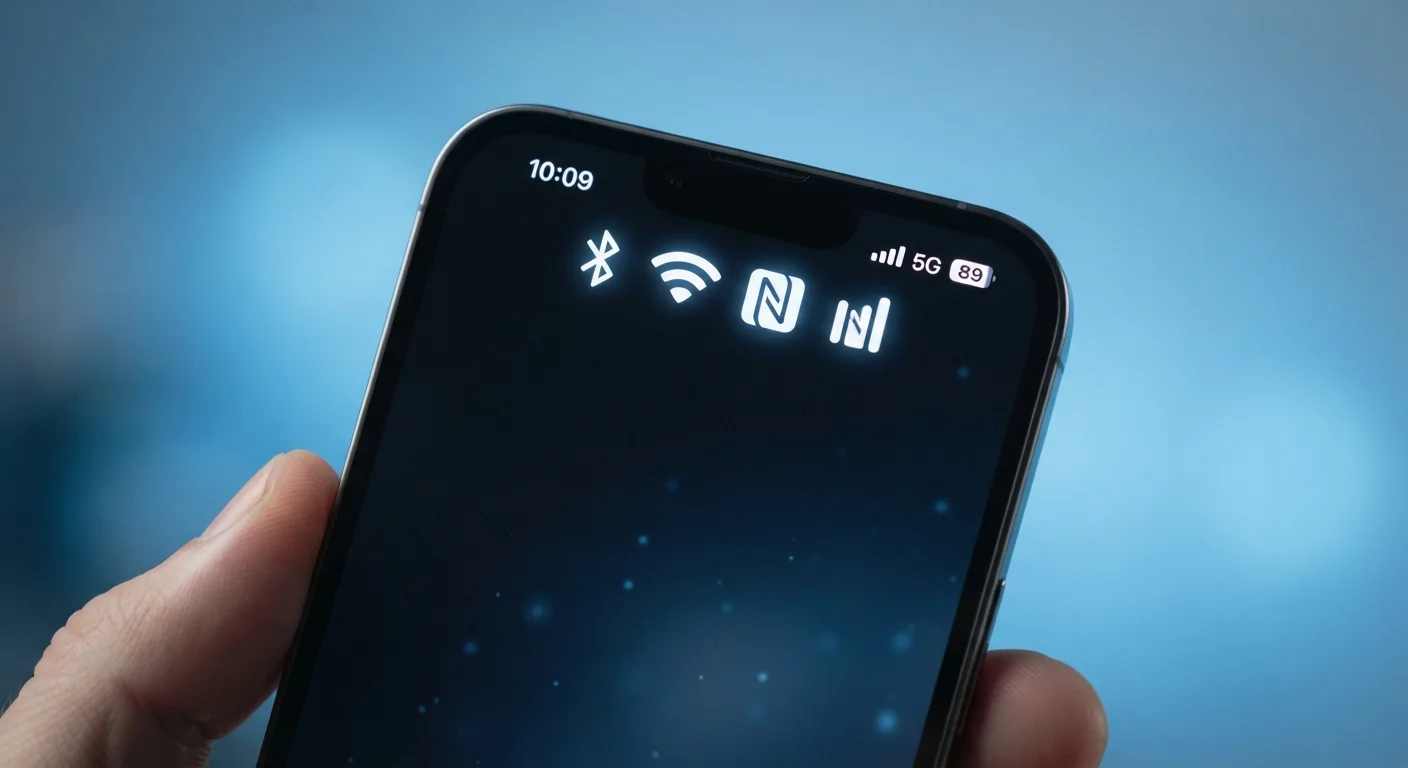
Open the settings menu on almost any smartphone, tablet, or laptop and you'll find toggles for Bluetooth, Wi-Fi, and sometimes NFC. Each one is a different method of sending data through the air - but they work in fundamentally different ways and serve different purposes. Understanding the distinctions helps you use your devices more deliberately and troubleshoot problems with greater confidence.
| Bluetooth typical range | Up to ~30 feet (10 m) for most consumer devices (Bluetooth SIG general specification guidance) |
| Wi-Fi frequency bands | 2.4 GHz, 5 GHz, and 6 GHz (device-dependent) (Wi-Fi Alliance) |
| NFC maximum operating range | Approximately 4 cm (about 1.5 inches) (NFC Forum specification) |
| Primary Bluetooth use cases | Headphones, speakers, wearables, keyboards, mice |
| Primary NFC use cases | Contactless payments, transit passes, quick pairing |
| Primary Wi-Fi use cases | Internet access, video streaming, large file transfers |
For a broader look at how gadgets connect and communicate, see Making Sense of Modern Tech as a First-Time Gadget Owner, which covers connectivity concepts alongside storage and other fundamentals.
Bluetooth: Short-Range, Low-Power Device Pairing
Bluetooth uses radio waves in the 2.4 GHz frequency band to connect devices over short distances - typically up to about 30 feet (10 meters) for most consumer devices, though newer versions extend this range further. Its defining strength is low power consumption, which is why it's the go-to standard for battery-powered accessories like wireless earbuds, keyboards, mice, fitness trackers, and car audio systems.
When two Bluetooth devices connect, they go through a process called pairing - a one-time handshake that lets them recognize each other automatically in the future. Bluetooth is optimized for continuous, point-to-point links: your phone stays connected to your headphones the entire time you're listening, rather than making a new connection for each data transfer.
If you're curious how Bluetooth version numbers like 5.0 or 5.3 affect real-world performance, Wireless Standards Decoded breaks down what those labels mean in everyday terms.
Wi-Fi: High-Speed Internet Access Over a Network
Wi-Fi is designed for a different job: connecting devices to a local network - and through that network, to the internet. It operates at higher power levels and supports far greater data speeds than Bluetooth, making it suitable for streaming video, downloading large files, and video calls. Wi-Fi typically operates on either the 2.4 GHz or 5 GHz frequency bands (and increasingly 6 GHz on newer devices).
Rather than a direct device-to-device link, Wi-Fi usually routes data through a central access point - your home router. Range varies, but a typical home router covers a few hundred feet under good conditions. Walls, interference from other electronics, and the number of connected devices all affect real-world performance.
Wi-Fi vs. Mobile Data: A Key Distinction
Wi-Fi connects your device to a local network via a router - it does not directly connect to the internet on its own. Your router does that through a separate internet service connection. Mobile data (4G/5G) is an entirely different system that uses cellular towers instead of a router. Many phones switch automatically between the two based on signal strength and settings.
Wi-Fi and mobile data often work hand in hand. To understand how your phone decides which connection to use - and what terms like Wi-Fi Calling actually mean - see Mobile Data, Wi-Fi Calling, and VoLTE Decoded.
NFC: Tap-to-Transfer at Centimeter Range
NFC (Near Field Communication) operates at an extremely short range - roughly 4 centimeters (about 1.5 inches) or less. It uses electromagnetic induction rather than traditional radio waves and requires almost no power on one end of the transaction, which is why passive NFC tags (small stickers or chips embedded in cards) don't need a battery at all.
NFC's deliberate short range is a security feature. It powers contactless payments (tapping your phone at a payment terminal), transit card emulation, and quick Bluetooth pairing by tapping two devices together. Because you have to be physically close to initiate a transfer, accidental or unauthorized connections are far less likely than with longer-range wireless technologies.
Bluetooth
A short-range radio wireless standard designed for low-power, device-to-device connections - commonly used for audio accessories, keyboards, and wearables. It operates primarily on the 2.4 GHz frequency band.
Wi-Fi
A wireless networking standard that connects devices to a local area network (and typically the internet) via a router or access point. It supports much higher data speeds than Bluetooth and operates on 2.4 GHz, 5 GHz, or 6 GHz bands.
NFC (Near Field Communication)
A very short-range wireless technology (under ~4 cm) used for tap-based actions such as contactless payments and quick device pairing. It uses electromagnetic induction and can work without a battery on passive tags.
Pairing
The one-time setup process by which two Bluetooth devices exchange credentials so they can automatically recognize and connect to each other in the future.
Frequency Band
A range of radio wave frequencies allocated for a specific wireless technology. Common bands for consumer devices include 2.4 GHz (used by Bluetooth and Wi-Fi) and 5 GHz or 6 GHz (used by newer Wi-Fi standards).
Access Point
A networking device - typically a router - that creates a Wi-Fi network and routes data between connected devices and the broader internet.
For a comprehensive reference of other technical terms you'll encounter on spec sheets and device packaging, Tech Spec Glossary: 30 Terms You'll See on Any Gadget Box is a useful companion resource.
Choosing the Right Technology for the Task
These three technologies aren't competing - they're complementary. Knowing which one applies to a given situation removes a lot of guesswork:
- Bluetooth - best for sustained, low-power links to personal accessories (headphones, speakers, wearables, keyboards).
- Wi-Fi - best for high-speed internet access, streaming, and connecting multiple devices through a home or office network.
- NFC - best for instantaneous, secure, extremely short-range actions like tap-to-pay, transit passes, or quick device pairing.
Some devices combine all three. A modern smartphone, for instance, uses Wi-Fi to stream a movie, Bluetooth to send audio to a wireless speaker, and NFC to complete a contactless payment - all potentially at the same time, managed automatically by the operating system.
If you're also trying to understand how cellular data differs from these local wireless standards, What 5G Actually Does - and What It Still Can't provides a grounded comparison of what mobile networks bring to the picture.