

Key Takeaways
- Refresh rate measures how many times per second a screen redraws its image, expressed in hertz (Hz).
- Higher refresh rates make fast motion - scrolling, gaming, sports - appear visibly smoother.
- 60Hz is standard for everyday tasks; 90Hz-144Hz makes a noticeable difference for gaming and action content.
- Refresh rate and resolution are separate specs - a screen can have both high resolution and a high refresh rate.
- Your device's frame output needs to match or exceed the display's refresh rate to see the full benefit.
Refresh Rate
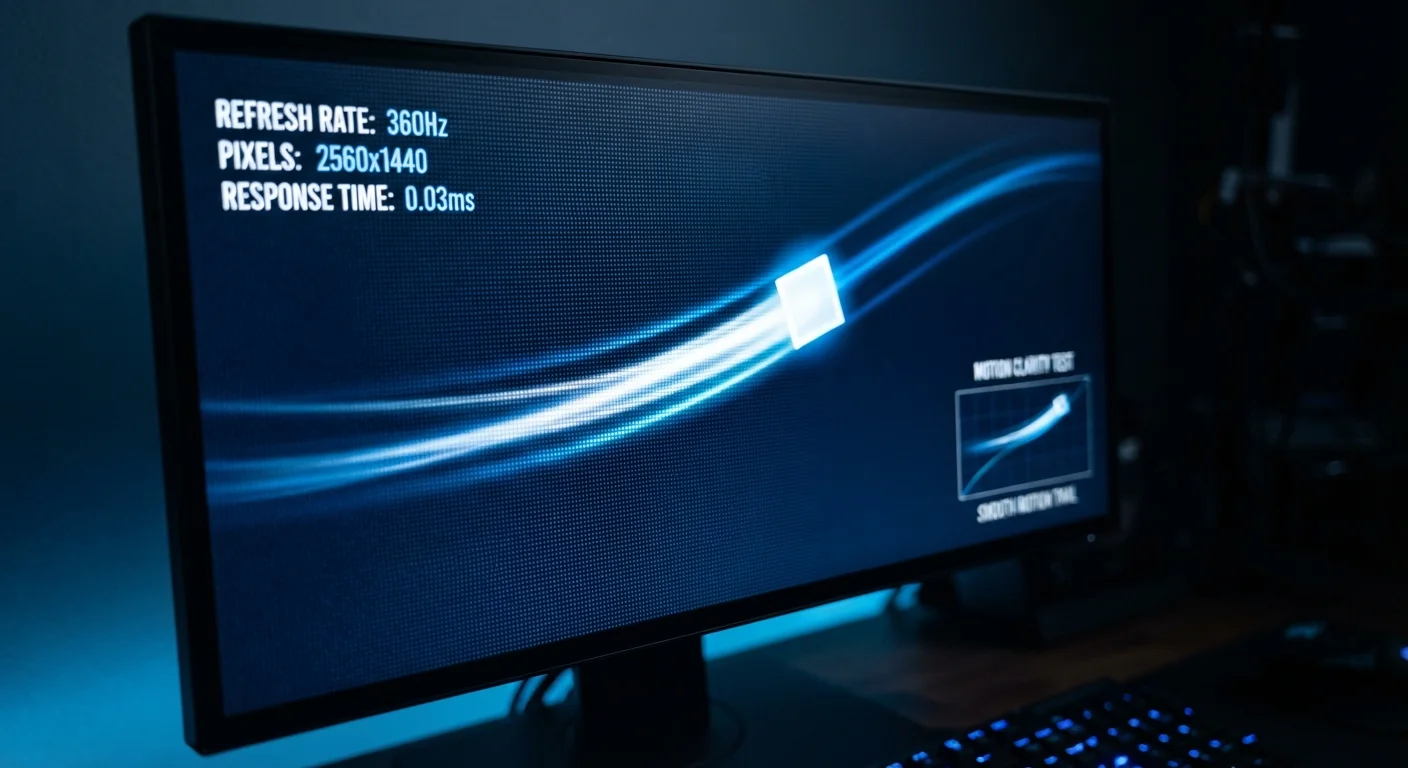
Refresh rate is how many times per second a screen redraws the image it's showing. It's measured in hertz (Hz) - so a 60Hz display updates its picture 60 times every second, while a 120Hz display does so 120 times. A higher refresh rate generally means motion looks smoother and more fluid to the human eye.
Refresh rate is a property of the display panel itself, distinct from frame rate, which is determined by the device sending the signal (a gaming console, PC graphics card, or video stream).
The Basic Idea: A Flipbook for Your Screen
Think of a refresh rate like a flipbook. Each page of a flipbook is a still image, and flipping through the pages quickly creates the illusion of movement. Your screen works the same way - it displays a rapid sequence of still images, one after another, and your brain perceives them as smooth, continuous motion.
Refresh rate simply counts how many of those "pages" your screen shows every second. A display rated at 60Hz shows 60 individual frames per second. One rated at 120Hz shows 120 frames per second - twice as many updates in the same amount of time, which is why motion tends to look more fluid.
This spec shows up on TVs, computer monitors, smartphones, and tablets. You'll find it listed in product specs alongside resolution and panel type. For a broader look at display terminology, the Consumer Electronics Glossary covers refresh rate alongside dozens of other terms you'll encounter on spec sheets.
When Refresh Rate Actually Matters
Refresh rate has a measurable impact in specific situations - and matters very little in others. Here's where the difference is real:
- Gaming: Fast-paced games benefit most. Higher Hz reduces motion blur and makes gameplay feel more responsive.
- Sports and action video: Quick camera pans and fast player movement look less smeared on higher-refresh displays.
- Scrolling: On smartphones especially, 90Hz or 120Hz makes scrolling through a page feel noticeably smoother.
- Everyday browsing and office work: Reading static text or spreadsheets? The difference between 60Hz and 120Hz is barely perceptible.
The key nuance: your display's refresh rate is only half the equation. The device sending the image - a gaming console, a PC graphics card, or a streaming app - needs to output enough frames per second to fill those extra refresh cycles. A 120Hz TV showing a 30fps video stream won't look dramatically different from a 60Hz TV showing the same stream.
60Hz
Standard refresh rate for most displays
The majority of TVs, budget monitors, and entry-level smartphones ship with a 60Hz panel as a baseline.
120Hz
Common high-refresh rate for gaming and flagship phones
120Hz has become a widely adopted standard in mid-range to flagship smartphones and gaming-oriented monitors.
240Hz+
Top-end refresh rates for competitive gaming monitors
High-refresh gaming monitors aimed at competitive players now commonly offer 240Hz or higher panel options.
How Refresh Rate Relates to Resolution
It's easy to confuse refresh rate with resolution, but they measure completely different things. Resolution describes how many pixels are packed into the image - 1080p, 4K, and so on. Refresh rate describes how often that image is updated each second. A screen can have both a high resolution and a high refresh rate, or it can have one without the other.
For example, a 4K display at 60Hz delivers a very sharp, detailed image that updates 60 times per second. A 1080p display at 144Hz delivers a less pixel-dense image but updates far more frequently - something gamers often deliberately prefer. Understanding both specs together gives you a clearer picture of how a screen will actually perform. TV Resolution Explained breaks down the resolution side of that equation in plain terms.
Check Both Specs Before You Buy
When evaluating a display, look at resolution and refresh rate together rather than optimizing for just one. A high refresh rate on a low-resolution screen may disappoint if you care about image sharpness, while a stunning 4K panel at 60Hz may frustrate a serious gamer. Knowing what you'll primarily use the screen for helps you find the right balance.
Does a Higher Number Always Mean a Better Experience?
Not necessarily. Above a certain threshold, gains become harder to notice. Most people can clearly perceive the jump from 60Hz to 120Hz. The jump from 120Hz to 240Hz is real but less dramatic, and few everyday tasks require it.
Higher refresh rates can also increase power consumption - a meaningful trade-off on smartphones and laptops where battery life matters. Many modern devices address this with variable refresh rate (sometimes called adaptive refresh rate), which dynamically adjusts the Hz based on what's being displayed. When you're reading a static page, the screen drops to a low refresh rate to save power; when you start scrolling or gaming, it ramps back up.
If you're weighing whether a higher-Hz screen is worth it for your specific use case, Understanding Refresh Rate: Does 120Hz Make a Real Difference? digs deeper into that question with practical guidance.
Variable Refresh Rate Technology
Technologies like AMD FreeSync and NVIDIA G-Sync synchronize a monitor's refresh rate to the frame rate output of a compatible graphics card. This reduces visual artifacts like screen tearing. These are primarily relevant for PC gaming setups and require compatible hardware on both the display and the source device.