

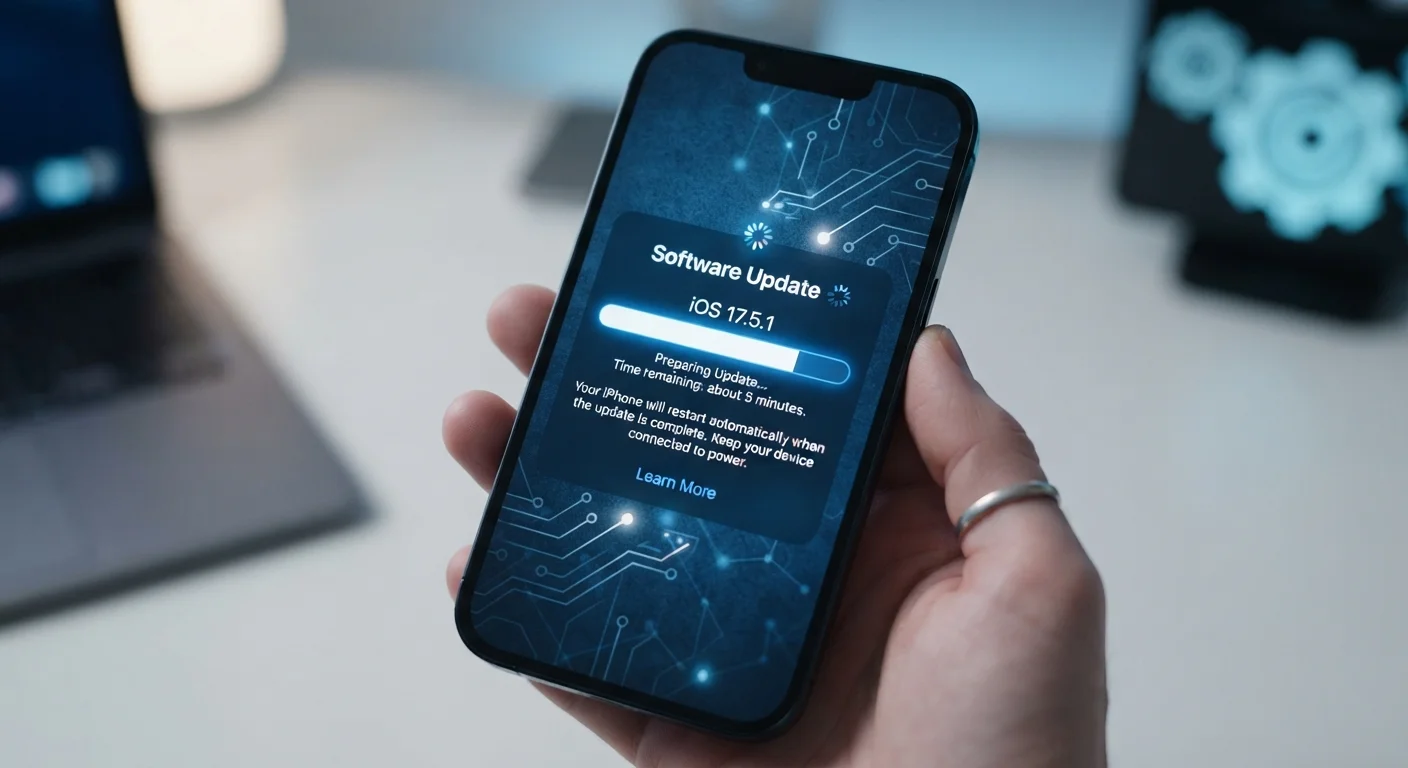
Key Takeaways
- Software updates modify the instructions your device runs, not its physical hardware.
- Security patches close known vulnerabilities that could otherwise let attackers access your data.
- Bug fixes correct errors in existing code that cause crashes, glitches, or unexpected behavior.
- Performance tweaks can change how efficiently your processor and memory handle tasks.
- Skipping updates leaves known weaknesses unaddressed, increasing security risk over time.
Software Update
A software update is a package of code changes that a device manufacturer or app developer delivers to your device over the internet. It replaces or adds to existing instructions that your device follows, without swapping out any physical components. Updates can patch security vulnerabilities, fix buggy behavior, or introduce entirely new features.
Updates are typically delivered as signed binary packages; the operating system verifies their authenticity before installation to prevent tampered code from being applied.
Three Types of Changes Hidden Inside Every Update
When your phone prompts you to install an update, it rarely explains what's actually changing. Most updates bundle three distinct categories of change, each targeting a different layer of how your device operates.
Security patches are the most urgent type. They close specific gaps in the operating system or core apps - gaps that could allow malicious software or an attacker on the same network to access your data, intercept messages, or take control of a process. A patch doesn't redesign anything; it surgically replaces the flawed code with corrected code. For this reason, security updates are often small and can be installed quickly.
Bug fixes address errors that cause apps to crash, screens to freeze, cameras to misfocus, or Bluetooth connections to drop unexpectedly. These are mistakes in the original code that weren't caught before release - every piece of software ships with some. Fixes are identified when enough users report the same problem, and the corrected instructions are pushed in the next update cycle.
Feature and performance changes are the most visible category. New capabilities - a revamped camera algorithm, a redesigned settings menu, support for a new wireless protocol - are delivered the same way as patches, by swapping or adding code. Performance tweaks adjust how the operating system allocates processor time and memory, sometimes making apps launch faster or reducing battery drain. See our guide to what your phone's processor actually controls for context on how those resources are managed.
Enable Automatic Updates Where Possible
Most smartphones and tablets allow you to turn on automatic updates so security patches install overnight while the device charges. This removes the need to remember and ensures your device stays protected as soon as fixes are available. Check your device's settings under 'Software Update' or 'System' to confirm automatic updates are enabled.
What Physically Happens When an Update Installs
The process starts when your device contacts the manufacturer's servers and checks whether a newer version of the software exists. If it does, a compressed file is downloaded - often in the background while your phone is connected to Wi-Fi and charging. Before anything is written to storage, the device checks a cryptographic signature on the file to confirm it came from a legitimate source and wasn't altered in transit.
Installation then rewrites specific sections of the device's internal storage where the operating system lives. On most modern smartphones, this happens on a separate partition from your personal files, which is why your photos and contacts remain untouched. The device restarts so the processor begins executing the new instructions from a clean state. The whole process is designed to be reversible if something goes wrong midway through, though a failed installation can occasionally require a manual recovery step.
Major OS Updates vs. Security Patches
Not all updates are equal in scope. A major OS update (such as moving from one numbered version to the next) can significantly change how the device looks and behaves, and may take longer to install. A security patch, by contrast, targets specific vulnerabilities and is usually much smaller. Your device will typically label which type is being installed before you confirm.
Understanding where your device stores data during this process connects to a broader picture - our explainer on cloud vs. on-device storage covers how your files are organized and protected.
Why Staying Current Actually Matters
A common misconception is that updates are mostly cosmetic - new icons, shuffled menus, features you didn't ask for. In practice, security patches are the most consequential updates for the average user. Once a vulnerability is publicly disclosed (which happens when a fix is released), attackers who haven't yet exploited it now know exactly where to look on unpatched devices.
60%+
Of cyberattacks target known, unpatched vulnerabilities
Security researchers consistently find that a large majority of successful attacks exploit flaws for which a patch already exists, underscoring the value of timely updates.
Days
Typical gap between patch release and active exploitation
Security industry analyses have documented that attackers frequently begin targeting newly disclosed vulnerabilities within days of a patch being released, when many devices are still unupdated.
Performance and compatibility are also practical reasons to update. Apps evolve alongside the operating system; developers test against current versions. On older, unpatched software, newer app versions may behave unpredictably or refuse to run entirely. For more on how device age interacts with software demands, the article why phones slow down explains the underlying dynamics.
Keeping your device updated is also one of the foundational habits covered in practical smartphone security habits - because no setting or app can compensate for running software with known, unpatched flaws. And if your device is nearing the end of its support window, what to sort out before upgrading your phone is a useful next step.